Simpler resident requests. Clearer scheme management.
Die Opsigter gives residents one easy place to submit requests, report issues, view notices and find scheme information. Trustees and management receive the right details, reliable records and clearer oversight from the start.
Resident requests get harder to manage when they arrive through scattered messages
Chats, emails, voice notes, missing photos and repeated questions make it difficult to respond quickly, assign responsibility and keep a reliable record.
Requests disappear
Maintenance requests, complaints and incidents can vanish inside unrelated chats, forwarded messages and busy inboxes.
No reliable history
Trustees and managers waste time searching through emails, screenshots and chat histories to understand what happened.
Responses are delayed
Missing details and unclear responsibility slow down the people who need to assess and resolve each request.
One place for residents. One reliable process for management.
Every request follows a structured path. The right people receive the right information, a clear record is created and management can see what is happening across the scheme.
Two connected portals that make communication easier to manage
Residents get a simple experience. Trustees, managing agents and caretakers get structured workflows, dependable records and the visibility needed to respond with confidence.
Residents Portal
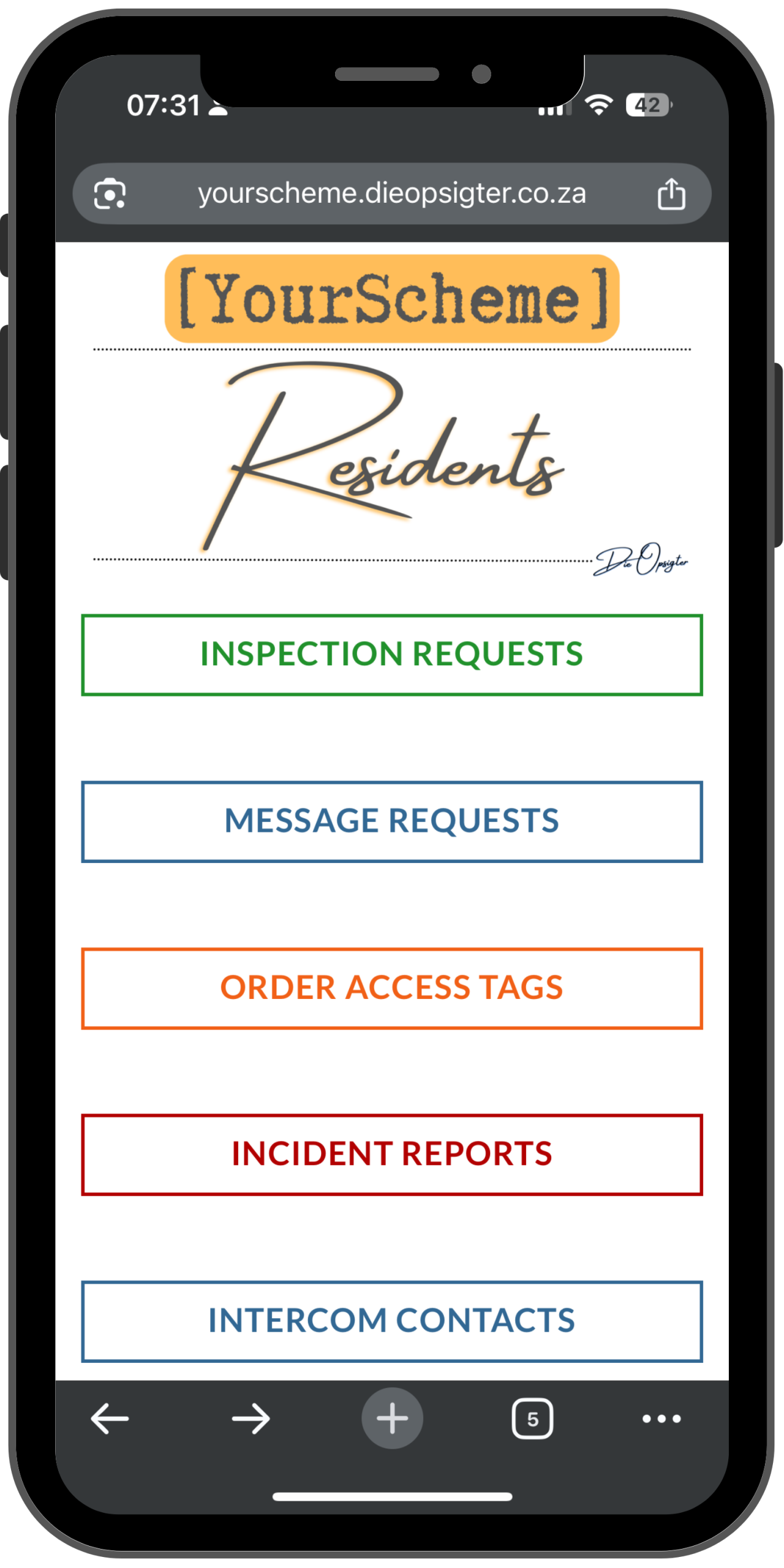
A simple portal residents can open on any device to submit forms, read notices and access links, documents and scheme information.
Body Corporate Portal
A dedicated space where trustees and management can review submissions, access reports and publish notices for residents.
Workflow Forms
Select the forms your scheme needs for maintenance, complaints, incidents, access, intercom details and more.
Automated Notifications
Send each submission to the caretaker, trustee, managing agent and resident with the information needed to act.
Monthly Reports
Receive one compiled PDF each month with a clear view of forms, tickets and activity by unit.
Notice Board and Directory
Publish and manage scheme notices from the Body Corporate Portal while giving residents quick access to important contacts.
Choose the request categories that match how your scheme operates
Build your portal around the everyday requests and responsibilities that residents, trustees and managers handle most often.
Maintenance and Repairs
Capture inspection requests, repairs, leaks, cleaning concerns, garden issues, bin problems and damage reports.
Security and Access
Manage access tags, visitors, contractors, incidents, vehicle registrations and staff access records.
Communication and Admin
Collect message requests, intercom details, contact updates, document requests, suggestions and feedback.
Complaints and Conduct
Capture conduct rule breaches, parking problems, noise complaints and other formal resident concerns.
Applications and Permissions
Manage moving requests, pet applications, renovation approvals, insurance notices, fibre, satellite and air conditioning requests.
From resident submission to management report in four simple steps
Every form guides the request through a consistent process so the right information reaches the right people and nothing is lost.
Resident submits the right form
The resident provides the required details and adds photos or documents when needed.
Responsible people are notified
The submission goes directly to the caretaker, trustee, managing agent or person responsible.
A reliable record is created
The scheme can see what was submitted, who submitted it and what happened next.
Management receives a monthly report
One PDF brings together request activity, ticket progress and patterns across units.
What management can see
Clear submissions, current ticket status, activity by unit and monthly reports in one place.
Better communication for everyone involved
Die Opsigter creates one clear route for resident communication while giving the people responsible for the scheme better information, stronger records and practical oversight.
For Residents
One familiar place to submit requests, share supporting information, read notices and find important scheme resources without installing an app.
For Management
Structured submissions, configured email workflows, notice board control, reliable records and monthly reports that make follow-up easier.
For the Scheme
Fewer lost requests, less time spent chasing information and a clearer view of recurring issues, ticket activity and communication patterns.
Less chasing, clearer records and a better resident experience
Residents know where to submit requests and find current notices. Management gains the information, communication tools and oversight needed to respond with confidence.
What to know before you get started
Does Die Opsigter replace our managing agent?
No. It supports your existing trustees, managing agent, caretaker and management processes with better communication, workflows and records.
Do residents need to install an app?
No. Residents open the portal from a link in their browser on a phone, tablet or computer.
Can we choose the forms in our portal?
Yes. Your scheme selects the forms that fit its needs and responsibilities.
Can we add forms as our needs change?
Yes. You can start with the forms you need now and activate more later.
How does setup work?
Your scheme chooses the workflows it needs and Die Opsigter configures the standard forms, notifications, portal links, notice board and reports. Highly custom workflows may require a separate quote.
How is the resident notice board managed?
Trustees or management publish and update notices from the Body Corporate Portal. Residents see the latest information through the Residents Portal.
How do submissions reach the right people?
Each workflow is configured to send the submitted information to the relevant caretaker, trustee, managing agent or responsible person by email.
Bring resident requests, notices and records into one clearer system
Give residents an easier way to communicate while giving trustees and management the information, records and oversight needed to respond consistently.